
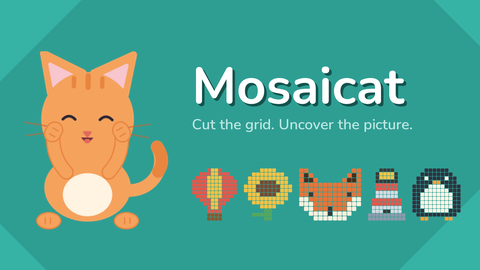
Mosaicat
Головоломки
Mosaicat
Головоломки
Mosaicat
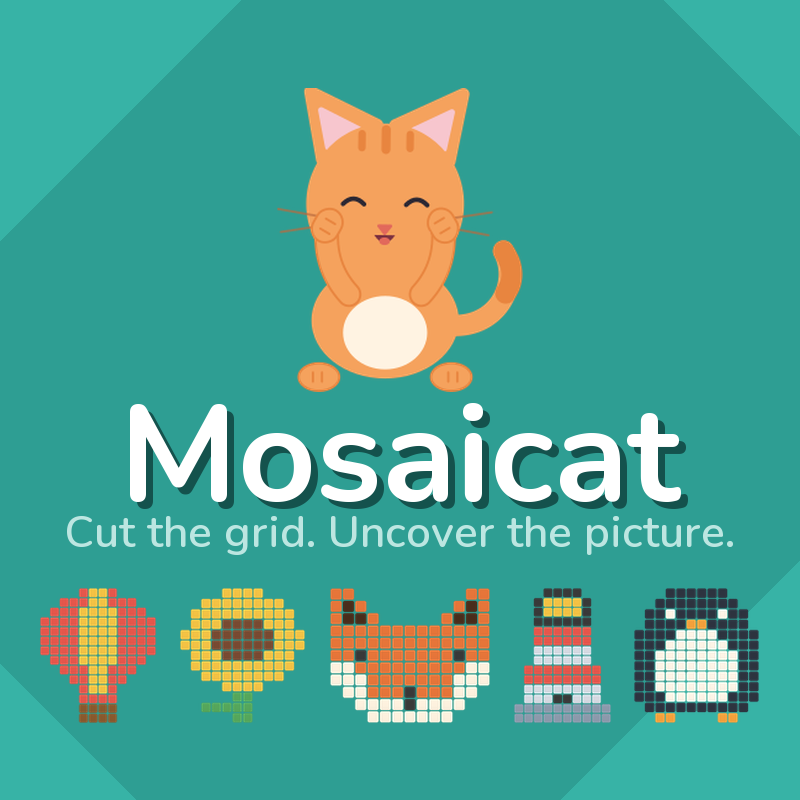
Mosaicat — это увлекательная головоломка онлайн с механикой: головоломки, аркадный геймплей и уютная атмосфера. Играйте бесплатно на компьютере или телефоне — проходите уровни, ставьте рекорды и получайте удовольствие от каждой минуты.
- Разработчик
- —
- Рейтинг
- —
- Дата выхода
- —
- Последнее обновление
- —
- Технология
- HTML5
- Платформы
- Браузер (ПК), Android, iOS
- Опубликовано
- 08.09.2026 12:18
Mosaicat — это увлекательная головоломка онлайн, которая дарит настоящее удовольствие от игры. Главные механики жанра — головоломки, аркадный геймплей и уютная атмосфера — раскрываются в каждом уровне, постепенно усложняясь и удерживая внимание. Продуманный баланс, приятная графика и удобное управление делают игру отличным выбором для отдыха и весёлого времяпрепровождения.
Mosaicat
Mosaicat — это увлекательная головоломка онлайн, которая дарит настоящее удовольствие от игры. Главные механики жанра — головоломки, аркадный геймплей и уютная атмосфера — раскрываются в каждом уровне, постепенно усложняясь и удерживая внимание. Продуманный баланс, приятная графика и удобное управление делают игру отличным выбором для отдыха и весёлого времяпрепровождения.
Особенности игры:
- увлекательный игровой процесс
- красочная графика
- удобное управление
- множество уровней
- постепенное усложнение
- играйте на компьютере или телефоне
Как играть
The board is covered in tiles, and some of them carry a number. Every number is
the size of the rectangle it belongs to.
1. Find a number and work out where its rectangle can fit. A 6 needs six
squares: 1x6, 2x3, 3x2 or 6x1.
2. Drag across the grid to draw that rectangle, and release to place it.
3. The tiles it covered turn into part of the hidden picture.
4. Repeat until every square on the board is inside a rectangle.
Rules:
Each rectangle covers exactly one number.
That number is how many squares the rectangle covers.
Rectangles never overlap.
Every square ends up inside one.
A rectangle that does not belong is refused. Nothing is lost and nothing is
counted against you - draw another one.
Stuck? The hint button opens one rectangle for you. You have three, and after
that a short video buys another.
Desktop Controls:
Mouse drag: Hold the left button and drag across the grid to draw a rectangle.
Release: Place the rectangle.
Hint button: Opens one rectangle for you.
Restart button: Clears the board and starts the same puzzle again.
Settings button: Sound, music, and ten colour themes.
Mobile Controls:
Touch drag: Press and drag across the grid to draw a rectangle.
Lift your finger: Place the rectangle.
Hint button: Tap to open one rectangle.
Особенности
- Головоломки и логические задачи
- Аркадный геймплей
- Уютная атмосфера
- Тренировка мозга
Управление для одного игрока
the size of the rectangle it belongs to.
1. Find a number and work out where its rectangle can fit. A 6 needs six
squares: 1x6, 2x3, 3x2 or 6x1.
2. Drag across the grid to draw that rectangle, and release to place it.
3. The tiles it covered turn into part of the hidden picture.
4. Repeat until every square on the board is inside a rectangle.
Rules:
Each rectangle covers exactly one number.
That number is how many squares the rectangle covers.
Rectangles never overlap.
Every square ends up inside one.
A rectangle that does not belong is refused. Nothing is lost and nothing is
counted against you - draw another one.
Stuck? The hint button opens one rectangle for you. You have three, and after
that a short video buys another.
Desktop Controls:
Mouse drag: Hold the left button and drag across the grid to draw a rectangle.
Release: Place the rectangle.
Hint button: Opens one rectangle for you.
Restart button: Clears the board and starts the same puzzle again.
Settings button: Sound, music, and ten colour themes.
Mobile Controls:
Touch drag: Press and drag across the grid to draw a rectangle.
Lift your finger: Place the rectangle.
Hint button: Tap to open one rectangle.
Скриншоты
Ещё игры
 Featured
Сапер
Головоломки
 Featured
Десятки
Головоломки

Neotrix
Головоломки

Виселица
Головоломки

Get a Screw: Puzzle!
Головоломки

Organize It
Головоломки

Room Makeover: Design And Aesthetic
Головоломки

Tile Valley
Головоломки

Hungry Cats
Головоломки

Paint Sponges Puzzle
Головоломки

Meow Captcha
Головоломки

Papa Cherry Saga
Головоломки
 Featured
Jumpy
Аркады
 Featured
Solitaire Klondike — Treasure Island
Карточные

Stack Attack
Аркады

Brawl Simulator 3D
Экшн

Sprunki World Online RP — Играй с друзьями!
Аркады

Playground Man! Ragdoll Show!
Аркады
Больше игр в этой категории
Featured
Сапер
Головоломки
Featured
Десятки
Головоломки
Neotrix
Головоломки
Виселица
Головоломки
Get a Screw: Puzzle!
Головоломки
Organize It
Головоломки
Room Makeover: Design And Aesthetic
Головоломки
Tile Valley
Головоломки
Hungry Cats
Головоломки
Paint Sponges Puzzle
Головоломки
Meow Captcha
Головоломки
Papa Cherry Saga
Головоломки