
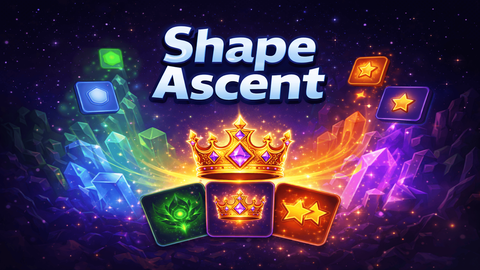
Shape Ascent - Roguelite
Головоломки
Shape Ascent - Roguelite
Головоломки
Shape Ascent - Roguelite
Shape Ascent - Roguelite — это увлекательная головоломка онлайн с механикой: головоломки, числовые задачки и слияние предметов. Играйте бесплатно на компьютере или телефоне — проходите уровни, ставьте рекорды и получайте удовольствие от каждой минуты.
- Разработчик
- —
- Рейтинг
- —
- Дата выхода
- —
- Последнее обновление
- —
- Технология
- HTML5
- Платформы
- Браузер (ПК), Android, iOS
- Опубликовано
- 08.09.2026 13:30
Shape Ascent - Roguelite — это увлекательная головоломка онлайн, которая дарит настоящее удовольствие от игры. Главные механики жанра — головоломки, числовые задачки и слияние предметов — раскрываются в каждом уровне, постепенно усложняясь и удерживая внимание. Продуманный баланс, приятная графика и удобное управление делают игру отличным выбором для отдыха и весёлого времяпрепровождения.
Shape Ascent - Roguelite
Shape Ascent - Roguelite — это увлекательная головоломка онлайн, которая дарит настоящее удовольствие от игры. Главные механики жанра — головоломки, числовые задачки и слияние предметов — раскрываются в каждом уровне, постепенно усложняясь и удерживая внимание. Продуманный баланс, приятная графика и удобное управление делают игру отличным выбором для отдыха и весёлого времяпрепровождения.
Особенности игры:
- увлекательный игровой процесс
- красочная графика
- удобное управление
- множество уровней
- постепенное усложнение
- играйте на компьютере или телефоне
Как играть
Merge Shapes to Reach the Crown!
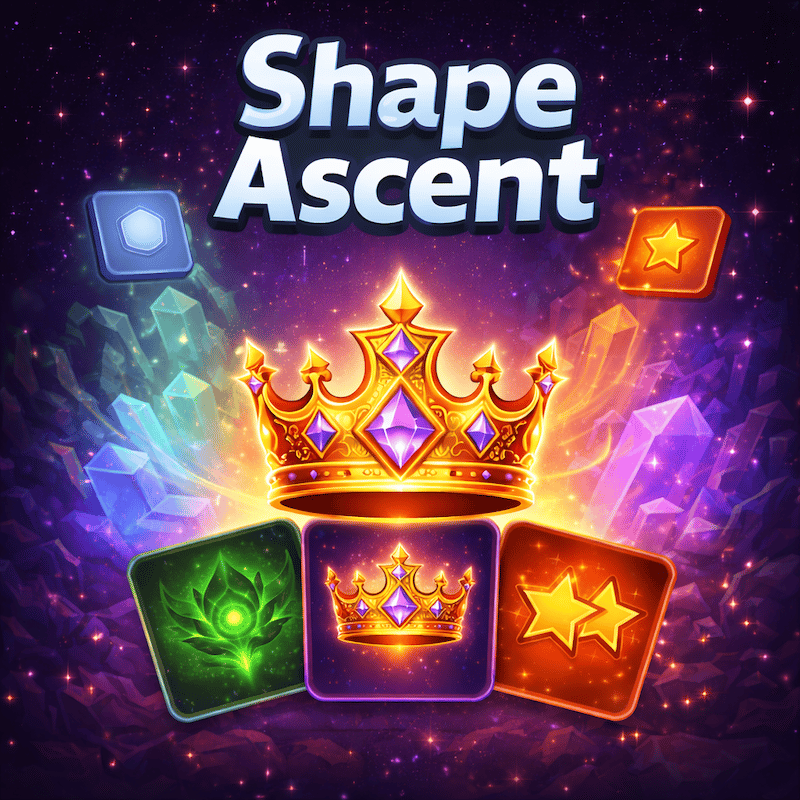
In Shape Ascent, your goal is to merge identical shapes on a 5×5 grid to create higher-tier shapes and chase the ultimate prize - the Ascent Crown (8128). Two matching shapes combine into the next tier when they collide. Plan your moves carefully: when the board fills up with no possible merges, it's game over!
Every few moves, you'll be offered a choice of Power Cards with unique abilities. Choose wisely - cards like Score Boost, Star Boost, Spawn Block, and Emergency Save can change the course of your run. Use the Undo button to reverse a mistake, or the Remove Tile tool (unlocked at Triple Star) to clear an unwanted piece from the board.
Desktop Controls:
↑ (Up Arrow) or W: Move all tiles upward.
↓ (Down Arrow) or S: Move all tiles downward.
← (Left Arrow) or A: Move all tiles left.
→ (Right Arrow) or D: Move all tiles right.
U: Use an Undo charge.
Mobile Controls:
Swipe Up: Move all tiles upward.
Swipe Down: Move all tiles downward.
Swipe Left: Move all tiles left.
Swipe Right: Move all tiles right.
Tap the Undo button (↩) to reverse your last move.
Tap the Remove button (✖) to select and remove a tile from the board.
Tap the Settings gear (⚙) to adjust sound, language, or restart the game.
Особенности
- Головоломки и логические задачи
- Слияние предметов
- Тренировка мозга
Управление для одного игрока
In Shape Ascent, your goal is to merge identical shapes on a 5×5 grid to create higher-tier shapes and chase the ultimate prize - the Ascent Crown (8128). Two matching shapes combine into the next tier when they collide. Plan your moves carefully: when the board fills up with no possible merges, it's game over!
Every few moves, you'll be offered a choice of Power Cards with unique abilities. Choose wisely - cards like Score Boost, Star Boost, Spawn Block, and Emergency Save can change the course of your run. Use the Undo button to reverse a mistake, or the Remove Tile tool (unlocked at Triple Star) to clear an unwanted piece from the board.
Desktop Controls:
↑ (Up Arrow) or W: Move all tiles upward.
↓ (Down Arrow) or S: Move all tiles downward.
← (Left Arrow) or A: Move all tiles left.
→ (Right Arrow) or D: Move all tiles right.
U: Use an Undo charge.
Mobile Controls:
Swipe Up: Move all tiles upward.
Swipe Down: Move all tiles downward.
Swipe Left: Move all tiles left.
Swipe Right: Move all tiles right.
Tap the Undo button (↩) to reverse your last move.
Tap the Remove button (✖) to select and remove a tile from the board.
Tap the Settings gear (⚙) to adjust sound, language, or restart the game.
Скриншоты
Ещё игры
 Featured
Сапер
Головоломки
 Featured
Десятки
Головоломки

Neotrix
Головоломки

Виселица
Головоломки

Get a Screw: Puzzle!
Головоломки

Organize It
Головоломки

Room Makeover: Design And Aesthetic
Головоломки

Tile Valley
Головоломки

Hungry Cats
Головоломки

Paint Sponges Puzzle
Головоломки

Meow Captcha
Головоломки

Papa Cherry Saga
Головоломки
 Featured
Jumpy
Аркады
 Featured
Solitaire Klondike — Treasure Island
Карточные

Stack Attack
Аркады

Brawl Simulator 3D
Экшн

Sprunki World Online RP — Играй с друзьями!
Аркады

Playground Man! Ragdoll Show!
Аркады
Больше игр в этой категории
Featured
Сапер
Головоломки
Featured
Десятки
Головоломки
Neotrix
Головоломки
Виселица
Головоломки
Get a Screw: Puzzle!
Головоломки
Organize It
Головоломки
Room Makeover: Design And Aesthetic
Головоломки
Tile Valley
Головоломки
Hungry Cats
Головоломки
Paint Sponges Puzzle
Головоломки
Meow Captcha
Головоломки
Papa Cherry Saga
Головоломки